Macbooks:
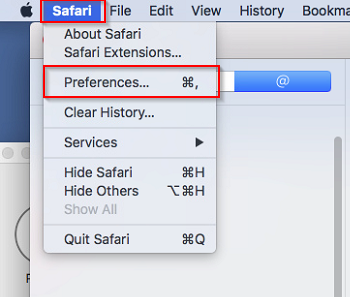
Open Safari and go to the left-hand corner and click on Safari -> Preferences from the drop-down menu
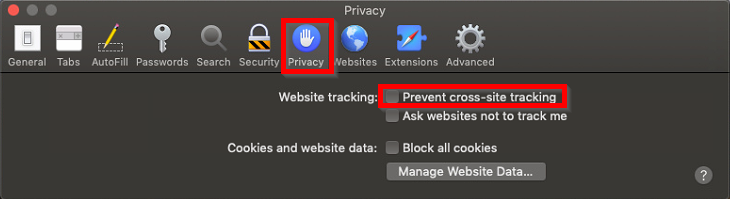
Navigate to the Privacy Tab and make sure “Prevent cross-site tracking” is unchecked.
IOS:
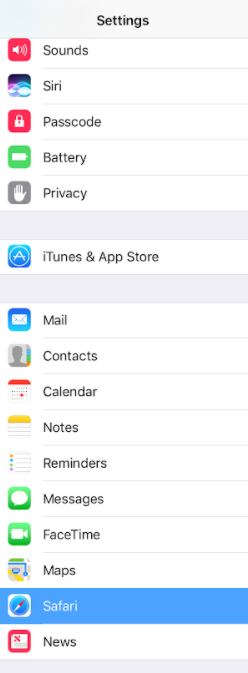
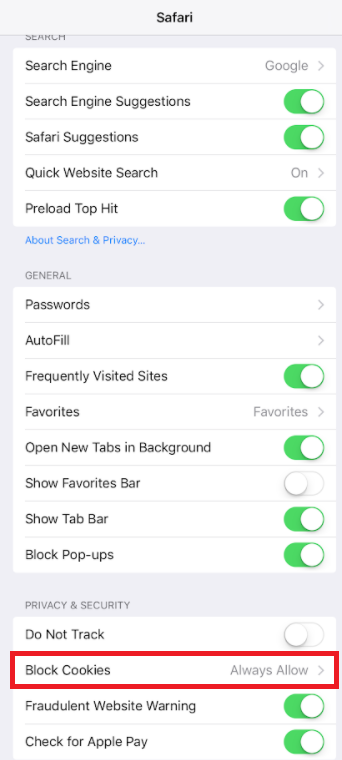
Go to your device’s Settings and choose Safari.
Perform one of the following two options depending on ios version:
Set Block Cookies to Always Allow
OR:
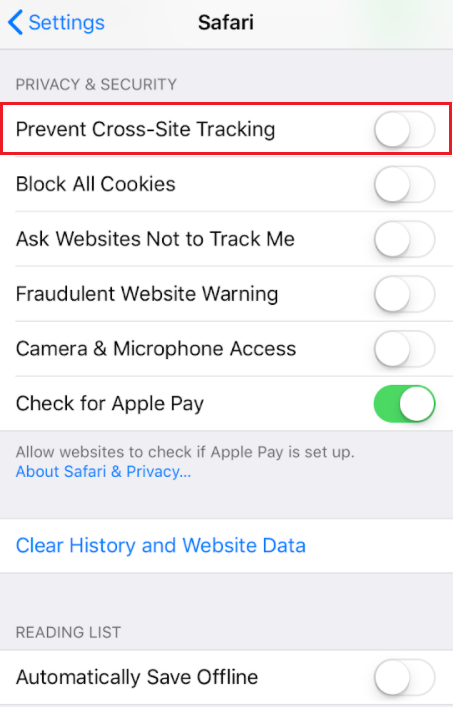
Uncheck Prevent Cross-Site Tracking